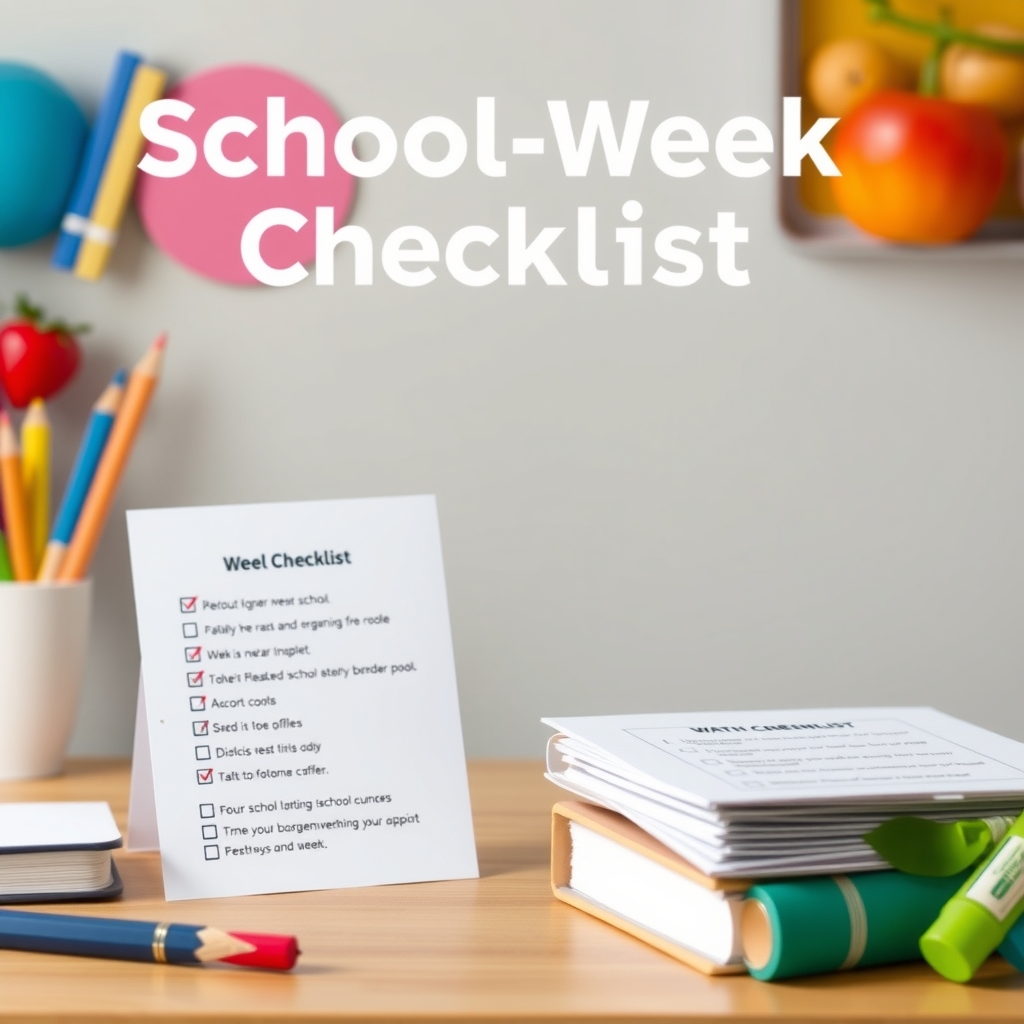
Online store launch checklist
Updated 25 October 2026 · Pludor team, Efghi LLC · 6 sources
Launch with one product, not ten: a real photo, a price that survives fees and shipping, a working checkout, a delivery promise you can keep, a returns policy, and one test order you placed yourself. Share the link only after the test order arrives, because the first ten visitors decide whether anyone else ever hears about the store.
Start here
Most stores do not fail at launch; they fail quietly afterwards, because the first visitors found a missing photo, a shipping price that scared them off or a checkout that broke on a phone. This is the order that catches those before anyone sees them.
What you need
- One product you can actually deliver this week
- Three photos, including one that shows the size
- A price worked out after fees, shipping and your own cost
- A payment method and a payout account in your name
- A delivery promise: how long, where, and what it costs
- A returns policy and a way for buyers to ask a question
Beginner mistakes to avoid
- Launching with 20 products and no time to fix any of them
- Pricing before subtracting fees and shipping
- Never placing a test order, so the first real buyer finds the bug
- A returns policy copied from another store that you cannot honour
- Sharing the link before the store works on a phone
How to do it
What are the 14 steps, in order?
Product, photos, price, payments, delivery, policies, store page, mobile check, test order, analytics, first ten buyers, reviews, restock plan, then the paid traffic. Everything before the test order is preparation; everything after it is selling.
- Choose one product you can deliver this week
- Take three photos: full item, detail, scale
- Work out the price after fees, shipping and cost
- Connect a payment method and a payout account
- Write the delivery promise and the returns policy
- Write the store name, one-line description and about text
- Check the whole store on a phone, on mobile data
- Place a test order with a real card and refund it
- Turn on analytics and check events arrive
- Ask ten people you know to buy or to tell you why not
- Ask the first buyers for one line and a photo
- Set a restock or reprint trigger before you sell out
- Only then pay for traffic
How do I price the first product?
Start from what the buyer gets, check what similar items sell for, then subtract the platform fee, processing, shipping and your cost. If the number left is not worth the work, change the product or bundle it - do not simply raise the price and hope.
- Write the price a buyer would expect to pay
- Subtract the platform fee, for example 4.99% + 90 cents (pricing)
- Subtract card processing, about 2.9% + 30 cents (Stripe pricing)
- Subtract shipping and packaging at cost
- Subtract your own cost; if the margin is thin, bundle or re-source
What must the product page say?
What it is, who it is for, the size or contents, what it costs with delivery shown, when it arrives, what happens if it is wrong, and how to ask a question. AI shopping assistants read the same facts, so plain sentences beat clever ones.
- Title with the item and the audience
- Three to five photos, first one on a plain background
- Size, materials or file formats, and what is included
- Price and delivery cost shown before checkout
- Returns policy in one short paragraph
- One visible way to ask a question
Why does the test order matter so much?
Because it is the only way to see what the buyer sees: the confirmation email, the receipt, the delivery estimate, the packing slip and the payout. A test order catches the wrong address field, the missing tax line and the broken confirmation before a real customer does.
- Buy your own product with a real card
- Read the confirmation email on a phone
- Check the delivery estimate and the total
- Refund the order and confirm the refund email
- Fix anything that looked confusing, then repeat once
What should I do on launch day itself?
Post once, personally, to the people most likely to want the product, and answer every message yourself. Do not run ads on day one; watch where visitors stop, fix the one thing that stopped them, then post again the next day.
- Post to your own feed and one relevant group
- Message the ten people most likely to buy
- Watch the first visitors and note where they leave
- Fix the one biggest drop-off before posting again
Common questions
How many products should I launch with?
One to three. A store with one excellent product page sells more than a store with twenty thin ones, and you can only improve what you can see. Add products once the first one converts.
Do I need a custom domain on day one?
No. A store link works on the free plan, and a custom domain can wait until the store is earning. It costs money every year and changes nothing about whether the product is good (custom domain).
What should the returns policy say?
How many days, what condition, who pays return shipping, and what cannot be returned. Short and specific beats generous and vague, and it must be something you can actually honour.
How do I get the first ten buyers?
People who already know you: past customers, your own social followers, local groups, and one message to anyone who asked about the product before you had it. Paid ads work better after ten real orders, not before.
Do I need a business entity to launch?
Not in most places, though the answer depends on where you live and what you sell. What matters on day one is a payout account in your own name and a record of every sale.
What should I measure in the first month?
Visitors, add-to-cart rate and paid orders. Low visitors means a traffic problem; low add-to-cart means the product page; low paid orders means shipping, trust or checkout friction.
Should I offer free shipping?
Only if you have priced it into the item. "Free" shipping is a cost you carry, and on a $20 product a $5 postage bill is 25% of the sale (the fee maths). Show the real cost somewhere.
When should I turn on paid ads?
After you have ten paid orders and know your conversion rate. Before that you are paying to learn what your own visitors could have told you for free.
Can I see my website before I sign up?
Yes. Describe your business in the free website builder and Pludor designs the whole page in about a minute, free, before you create an account. The design stays private until you keep it; a free account puts it online at yourname.pludor.com.
Can my website just send customers to WhatsApp, with no prices or online checkout?
Yes. When you describe your business, say visitors should call or WhatsApp you - the page's main buttons then open WhatsApp, a call or a text to your number. If you list no prices, the page shows none. You can switch on online checkout any time later.
Can my website show prices in my own currency, like naira, rupees, cedis or som?
Yes. Each store sells in one currency, set in Settings > Payments, and every country's currency is available - so you type prices the way your customers pay and the website shows the same prices.
Can I use my own domain, like mybusiness.com, and appear on Google?
Yes. Connect a domain you already own, or search and buy one inside Pludor at its real yearly price - it then opens your website. Pages are set up for search engines and AI assistants (titles, descriptions, sitemap), but nobody can honestly guarantee a ranking.
Can I sell on Pludor from Pakistan, Nigeria, Kenya or another country without Stripe?
Yes. Pludor is the merchant of record: every store, in any country, takes card, Apple Pay and Google Pay payments from its first day - Pludor collects the money and pays you out. You don't need your own Stripe account, a foreign company or a US bank account.
How do I get paid if my bank is hard to reach from abroad?
Pludor pays out to your bank, PayPal or Payoneer, or as MoneyGram or Western Union cash pickup, after a one-time ID check (about 2 minutes). For cash pickup the send fee comes off the payout (minimum $20), the reference number is emailed to you, and you collect the cash with your ID. Set it up in Money > Payout accounts.
Going further: scale and grow
The mobile check is not optional
Most first visitors arrive on a phone, often on mobile data. Load the store with the phone on 4G, not office Wi-Fi, and buy something. Every extra second of load time loses buyers you never see.
Write the delivery promise before the price
If you cannot ship in two days, say three to five. A promise you keep creates reviews; a promise you miss creates messages you cannot answer.
One question beats ten features
Put one obvious way for a buyer to ask something - a message button, a WhatsApp link, an email. The answers become your FAQ, your product copy and your next product.
Reviews start with the first three orders
Ask every buyer for one line and a photo, personally, the day the order arrives. Three honest reviews change how the page converts; twenty generic ones do not.
Plan the second product before you sell out
A sold-out store with no alternative loses the visitor. Line up a second product or a pre-order before the first one runs out.
Use AI for this
AI shortens the writing and the photos; the product, the promise and the price stay yours.
- Product copy. Give the real size, materials and use, and ask for a description plus the five objections a buyer would have.
- Photos. Describe the product and the setting for listing images, or restyle a real photo onto a clean background.
- Policies. Generate returns, shipping and privacy wording from your actual rules, then check them against local law.
- First messages. Draft the launch post, the DM reply and the review request in your own voice.
Be careful
Check every measurement and claim, and never publish an AI photo that shows something the buyer will not receive.
Options compared
What a launch costs on the common routes.
| Route | Cost before you sell | Cost per sale | Time to launch |
|---|---|---|---|
| Pludor free plan | $0 (pricing) | 4.99% + $0.90 (pricing) | About a minute |
| Shopify | from $39 a month (Shopify pricing) | payment fees on top | An afternoon |
| Etsy shop | $0.20 per listing (Etsy fees) | 6.5% transaction fee | An hour |
| Gumroad | $0 (Gumroad pricing) | 10% per sale | Minutes |
| Custom site | hosting and a domain (custom domain) | processing only | Days to weeks |
The cheapest launch is the one that gets a real order this week. Everything else is a cost you can add once the product is proven.
The launch list, as a page
| Job | Usual separate tool | On Pludor |
|---|---|---|
| Product | One item you can deliver | Not a catalogue |
| Photos | Full, detail, scale | Real item, plain background |
| Price | After fees, shipping, cost | Bundle if the margin is thin |
| Payments | Card and wallet, payout set | Test it yourself |
| Delivery | A promise you can keep | Shown before checkout |
| Policies | Returns, privacy, shipping | Short and specific |
| Test order | Real card, then refund | Read every email |
| First buyers | Ten people who know you | Ask for one review line |
Doing this on Pludor
A Pludor store covers the whole checklist on one account: products, photos, checkout, delivery options, policies and a link - free to start, with one platform fee per paid order and no monthly bill (pricing).
- Free plan, no product limit, no monthly fee
- Card and wallet checkout with payouts to your account
- Delivery options, pickup and digital downloads
- Policy generators for returns, shipping and privacy
- A store link and a marketplace listing from the same product
Free to start - no card, no item limit. Pay only for what you use past the monthly free amounts.
Start freeSources
Checked 25 October 2026 by the Pludor team at Efghi LLC. Fees and rules change; follow the links for the latest, or tell us if one has moved. What those fees work out to on a real order.
Shop real products on Pludor
From independent stores selling on Pludor - checkout, delivery and buyer protection included.