Seller Identity Verification
Updated 13 November 2026 · Pludor team, Efghi LLC · 5 sources
In short
The ID check is a photo of your ID and a selfie, about two minutes, asked at your first payout. Selling and taking orders never wait for it. It also shortens a new store's payout hold from 14 days to 7.
Verification proves you are a real person or business behind the store. On Pludor it is one check per profile, free, shared across your store, wallet and creator earnings, and valid for one year. Tier 1 (tax details) unlocks payouts up to $600 a year, Tier 2 (government ID plus a selfie) up to $10,000, anything above that goes to enhanced review, and a store that passes can show a verified badge buyers can see (pricing).
Owners worry that verification will freeze their store. Pludor asks once, at the first payout, and the store keeps selling while it is reviewed.
Start here
Buyers cannot see your face in an online order, so they look for signals: a real name, a policy, reviews and a verification badge. Verification is the part you can complete before your first sale, and it also unlocks the payouts that make selling worthwhile.
What you need
- A government-issued photo ID in your own name (passport, driving licence or national ID)
- A phone or laptop with a working camera for the selfie step
- Your tax details if you want payouts above the first tier
- A business registration document if you are verifying a company rather than yourself
- The same name on the ID, the bank account and the store profile
Beginner mistakes to avoid
- Verifying with a nickname or a different spelling from the bank account
- A blurry or cropped ID photo, or a selfie where the face is in shadow
- Assuming verification replaces a returns policy or reviews - it does not
- Leaving verification until the first payout is due, then waiting in a queue
- Sending ID documents by email or chat instead of the verification screen
How to do it
How do I verify my seller account?
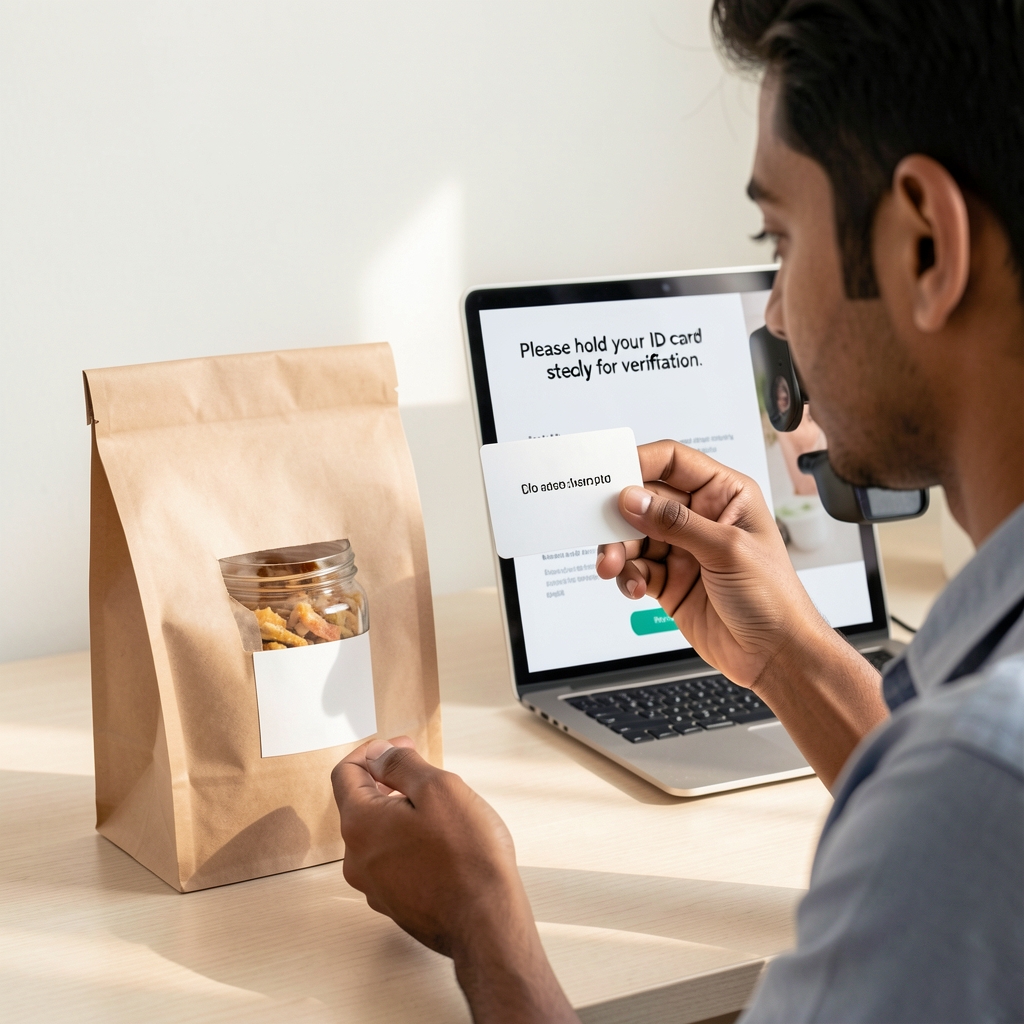
Open your wallet, choose verify, and complete the tier you need. The check compares your document to a live selfie and confirms the name matches your payout details.
- Go to your wallet and choose the verification option
- Tier 1: enter your legal name, address and tax ID
- Tier 2: scan a government ID and take a selfie when prompted
- Wait for the automatic result; some checks go to manual review
- Add the badge to your store once it is approved
Which documents are accepted?
A government-issued photo ID with your name and date of birth, plus a live selfie. For a business, the registration document that shows the legal name and the person authorised to act for it.
- Use the original document, not a photocopy of a photocopy
- Make sure all four corners are visible and the text is readable
- Avoid glare from a flash or a window
- Take the selfie in normal light, without a hat or filter
- Check that the name matches the bank account exactly
How long does verification take?
Most automatic checks finish in minutes. A manual review can take longer, especially if the document is unclear or the details do not match. Start before you need the payout, not after.
- Submit the clearest photo you can the first time
- Check your email for a request for a better image
- Do not resubmit the same blurry document repeatedly
- Contact support with the reference number if it is stuck
- Plan for a day of buffer before a large payout
What does the verified badge mean to buyers?
It means the platform has checked the seller's identity, not that it guarantees the product. It sits next to reviews and policies as a trust signal, and it is most useful on a new store with no order history yet.
- Put the badge where buyers see it: store header and product page
- Keep the policy and contact details as clear as the badge
- Do not imply the badge is an endorsement of quality
- Renew before it expires so the badge does not disappear
- Ask buyers to review after delivery; the badge and reviews work together
How long does verification last?
One year on Pludor. You re-verify when prompted, and identity documents are purged after expiry rather than kept indefinitely.
- Note the expiry date when you are approved
- Re-verify a few weeks before it lapses
- Keep your legal name and address current in the profile
- Update the store if your business name changes
- Do not wait for a payout to be blocked before renewing
What happens if verification fails?
Usually the document was unclear, expired, or the name did not match. You can try again with a better image; if the details genuinely differ, update the profile or the payout account first.
- Read the reason in the verification screen or email
- Check the document is current and the photo is sharp
- Match the name to the bank account and tax record
- Try once more with a different document if allowed
- Contact support with the reference if it still fails
Common questions
Do I have to verify to sell on Pludor?
You can open a store and list products without it. Verification is needed for payouts above the first tier and for the verified badge; it is free for every store and profile.
Is my ID shown to buyers?
No. Buyers see the verification badge, not your document. The check is between you and the platform, and documents are purged after the verification expires.
What are the verification tiers?
Tier 1 uses tax details for payouts up to $600 a year. Tier 2 adds a government ID and selfie for up to $10,000 a year. Above that, an enhanced review applies (pricing).
Why is there a payout limit before full verification?
Tax and anti-money-laundering rules require identity checks above certain amounts. The tier lets a new seller receive small payouts while completing the stronger check.
Can I verify a business instead of myself?
Yes, with the registration document and the details of the person authorised to act for the business. The individual still completes the identity step.
Does verification cost anything?
On Pludor it is included free for every store and profile. Other platforms may charge per check, which is why the options below show the difference.
Does verification help me get more sales?
It removes one reason to hesitate, especially on a new store. It does not replace photos, reviews, a clear price or a returns policy; buyers weigh all of them together.
What if my name is different from my business name?
That is normal for a sole trader or a trading name. Verify the legal person, and show the trading name on the store; keep the payout account in the legal name.
Can I use a passport instead of a driving licence?
Yes, if it is a government-issued photo ID with your name and date of birth. Check the accepted list in the verification screen for your country.
What happens to my documents after verification?
They are used for the check and purged after the verification expires. The store keeps the badge and the tier, not a public copy of your ID.
Why does the name on my bank account matter?
Payout providers match the account holder to the verified identity. A mismatch is the most common reason a payout is held or returned.
Can I lose verification?
It expires after a year, and it can be revoked if the details are found to be false or the document is invalid. Re-verify with current documents.
When is the ID check asked?
At the first payout. You can sell and take orders before it.
What do I need?
A photo of your ID, a selfie and a proof of address; it takes about two minutes.
Going further: scale and grow
Trust is a stack, not a badge
A badge, a policy, a real photo, a review and a reply to a question each remove a different doubt. The badge is the fastest to add and the easiest for a buyer to check.
Verify before you need the money
The worst time to discover a name mismatch is the day a payout is due. Complete the tier you need while orders are still small.
Keep the legal details boring
Use the same legal name on the ID, the tax record, the bank account and the store profile. Consistency is what makes an automatic check pass.
Show the policy next to the badge
A verified seller with no returns policy still looks risky. The policy generator writes a plain-English starting point from your real rules.
Renewal is part of the process
A one-year check is normal for identity documents. Put the expiry in your calendar so the badge never vanishes in the middle of a campaign.
Use AI for this
AI can draft the trust pages and the messages around verification, but it must never be used to alter a document or invent a business detail. The check is about the real person behind the store.
- Policies. Generate shipping, returns and privacy policies from your actual rules, then read them as a buyer.
- FAQ. Write the five questions buyers ask before a first order and answer them plainly on the product page.
- Follow-up. Draft the message that asks a buyer for a review after delivery, without promising anything in return.
- Checklist. Turn the verification steps into a checklist with the exact documents for your country.
- Support replies. Write a calm reply to a buyer who asks whether the store is legitimate.
Be careful
Never edit an ID image, use someone else's document, or let AI write a claim that the badge means a guarantee. It does not.
Options compared
How identity checks are usually priced. Rates change; check the provider before you choose.
| Option | Cost | What it checks | Best for |
|---|---|---|---|
| Pludor verification | Free for every store and profile (pricing) | Tax details, ID plus selfie, tiered payouts | Selling on Pludor |
| Stripe Identity | per verification (Stripe) | Document and selfie match | Platforms already on Stripe |
| Persona | per verification (Persona) | Configurable document and database checks | Custom onboarding flows |
| Sumsub | per verification (Sumsub) | KYC, KYB and ongoing monitoring | Regulated businesses |
| Manual review | staff time | Human check of documents | Edge cases and appeals |
A free check is not automatically weaker; what matters is whether the platform checks the document against a live person and keeps the data only as long as it needs it.
What one verified profile covers
| Job | Usual separate tool | On Pludor |
|---|---|---|
| Store badge | A separate trust-badge plugin | Verification badge on the store |
| Payout checks | A second KYC with the processor | One check shared across the profile |
| Creator earnings | Another identity check | Same verification, same tier |
| Delivery or hosting | A separate check per service | Shared where the profile is the same |
| Renewal | A different expiry per tool | One yearly renewal |
Doing this on Pludor
Pludor runs one identity verification per profile, free, in tiers: tax details for payouts up to $600 a year, a document plus selfie up to $10,000, and enhanced review above that. It is valid for one year, shared across the store, wallet, Wayfare and creator earnings, and it earns a badge buyers can see.
- Free for every store and profile
- Tier 1 tax details, Tier 2 document plus selfie, enhanced review above
- Valid for one year; documents purged after expiry
- One check shared across store, wallet, Wayfare and creator earnings
- Verified badge on the store
Free to start - no card, no item limit. Pay only for what you use past the monthly free amounts.
Start freeSources
- Pludor facts: identity verification
- Pludor pricing
- Stripe Identity pricing
- FTC: protecting personal information
- IRS: W-9 and W-8BEN
Checked 13 November 2026 by the Pludor team at Efghi LLC. Fees and rules change; follow the links for the latest, or tell us if one has moved. What those fees work out to on a real order.
Shop real products on Pludor
From independent stores selling on Pludor - checkout, delivery and buyer protection included.