How to sell printables
Updated 25 October 2026 · Pludor team, Efghi LLC · 6 sources
A printable is a digital file a buyer prints at home: planners, invitations, worksheets, wall art, checklists and templates. Sell one as a PDF (and a PNG or SVG where the buyer may edit or cut it), deliver it instantly, and price it between $3 and $15 (what the fee does to a cheap file). Because there is no stock and no shipping, the work is in the design and in the file the buyer can actually open and print.
Start here
Printables are the easiest digital product to start with: one file, instant delivery, no inventory, and the buyer does the printing. The two things that decide whether it sells are whether it solves a specific job and whether it prints correctly on the first try.
What you need
- A design tool (Canva, Affinity, Illustrator or similar) and a template you can repeat
- The file formats: PDF for print, PNG for phone or sublimation, SVG for cutting machines
- Both page sizes if you sell internationally: US Letter and A4
- A licence you are willing to enforce: personal use, or commercial use at a higher price
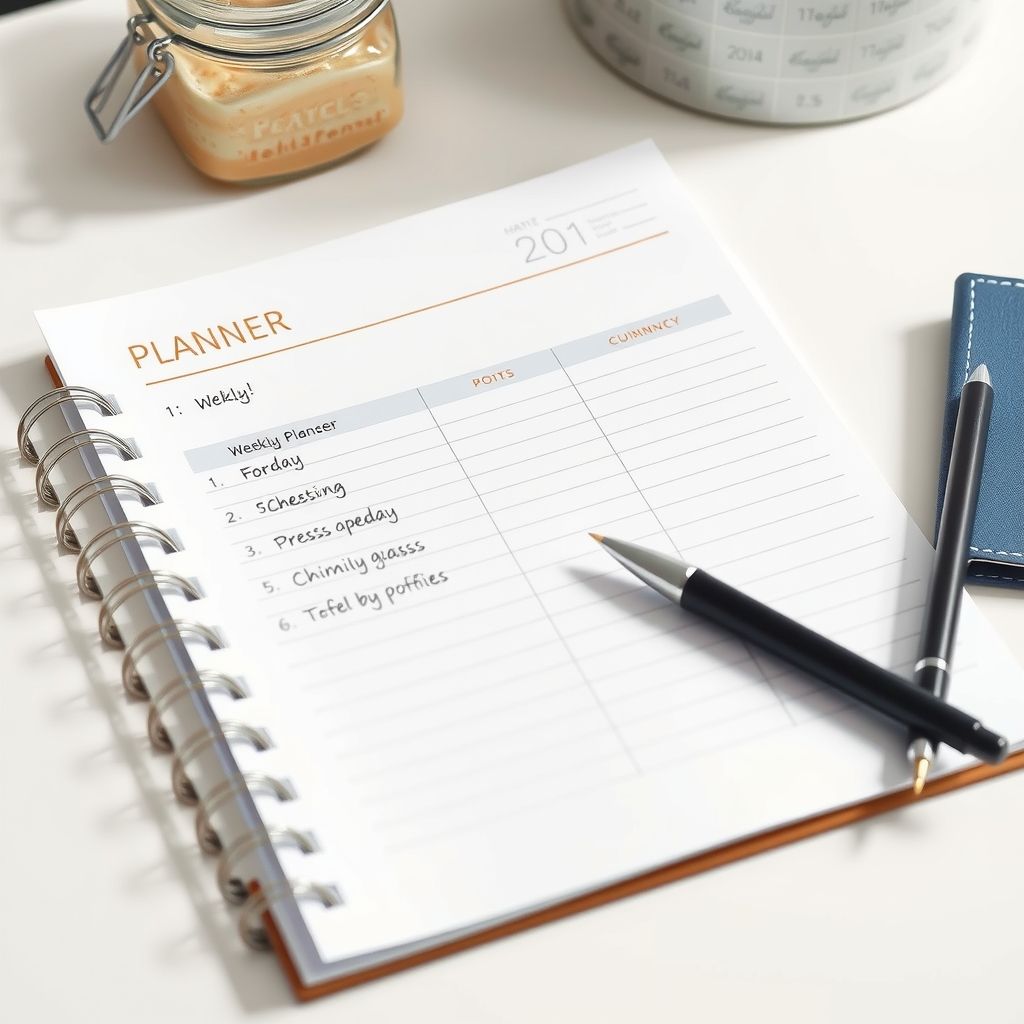
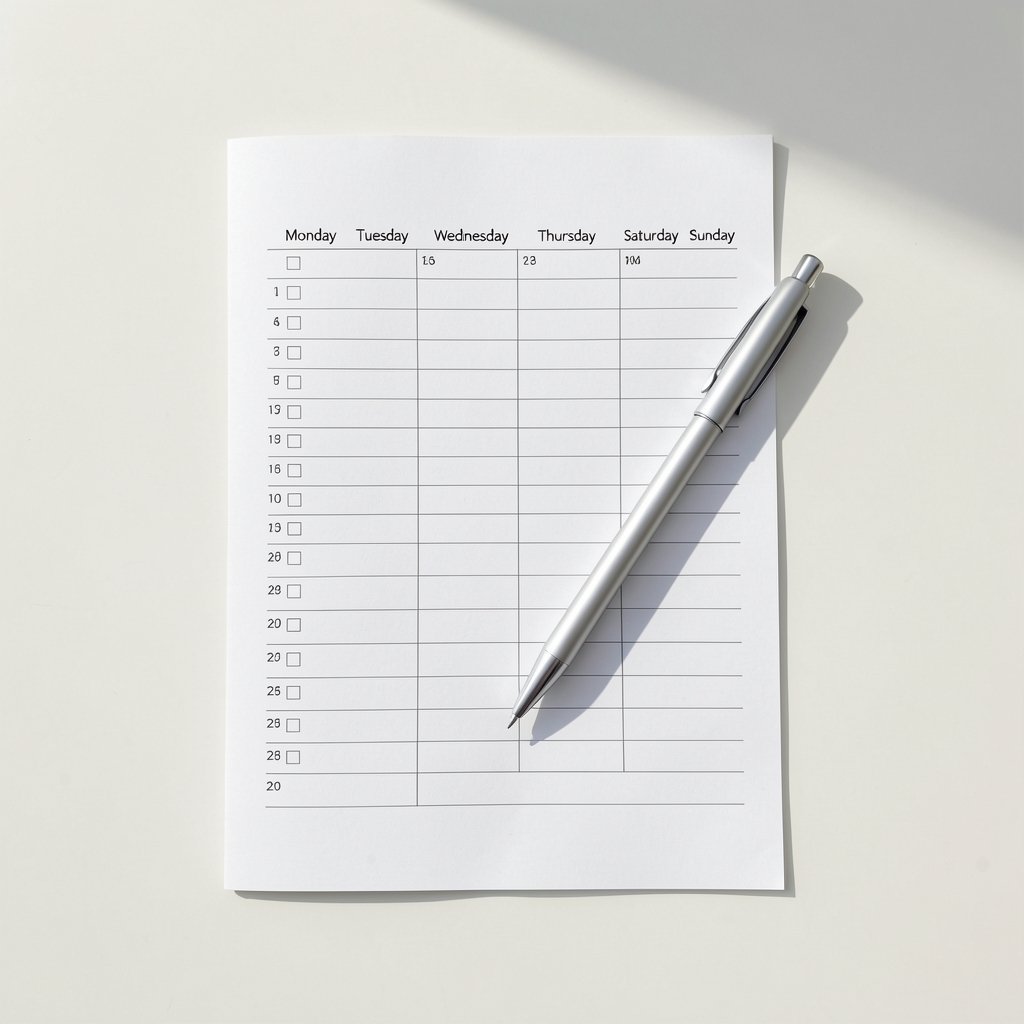
- Three mockup images showing the printable in real use
Beginner mistakes to avoid
- Selling a file that prints with the wrong margins on A4
- Using fonts or graphics you do not have a commercial licence for
- Pricing at $1 when the fixed per-order fee is 90 cents
- Calling it "personal use" and never saying what that means
- Uploading a 40 MB file the buyer cannot download on a phone
How to do it
What sells as a printable?
Specific jobs, not generic art: a wedding seating chart for 80 guests, a chore chart for two children, a monthly budget for a single income, a lesson plan for a substitute teacher. The narrower the job, the easier it is to be found and the less price matters.
- Pick a job someone searches for by name
- Look at what the first page of results already offers
- Make the version that is missing (a different size, language or audience)
- Design three variants so buyers can choose
- Show the finished item in a real setting, printed
Which file formats should I deliver?
A print-ready PDF is the default. Add PNG at 300 dpi for phone use and sublimation, and SVG if craft buyers will cut it on a machine. Deliver both Letter and A4 in the same download so nobody has to ask.
- Export the PDF with 300 dpi images and embedded fonts
- Add crop marks only if a print shop asked for them
- Export PNG at 300 dpi, sRGB
- Export SVG with text converted to outlines
- Zip the set and check the zip opens on a phone
How do I price a printable?
Start at $4 to $8 for a single page, $8 to $15 for a set, and higher for personalised work. Check the fixed fee first: on a $5 download a 90-cent fixed fee is 18% before any percentage, so bundles earn far more per order.
- Work out the fee on your price, including the fixed amount (pricing)
- Group related pages into one product instead of selling them separately
- Price a personalised version higher, because it takes your time
- Test one price rise after the first 20 sales
What should the licence say?
Say who may print it and whether they may sell the printed item. Personal use means the buyer prints for themselves; commercial use means they may sell what they print. Commercial licences are normally priced several times higher.
- Write one sentence of personal use, one of commercial use
- Say clearly that the files may not be resold or shared
- Add the licence to the product page and inside the download
- Put the licence in the receipt so it is on record
How do I stop the same file being resold?
You cannot stop it, so make it less attractive: price fairly, tie the download to the buyer's account instead of a public link, state the licence inside the file, and send updated versions only to buyers. Most sharing happens when the price feels like a mistake.
- Deliver through the account, not a bare file link
- Put the licence line on page one of the PDF
- Price the bundle so sharing feels pointless
- Replace a leaked file with an updated version for buyers
Common questions
Do I need a business licence to sell printables?
Rules differ by country and state. Many sellers start as individuals and register when income grows. What you always need is the right to use every font, image and graphic in the file commercially.
Can I sell printables on Pludor and Etsy at once?
Yes, and many sellers do. Etsy brings search traffic and charges a listing fee plus a transaction fee (Etsy fees); your own store keeps the customer and the email list. Use both until one clearly wins.
How do buyers receive the file?
Instantly, on the order confirmation and in their account. On Pludor the download link is attached to the paid order, so there is nothing to email by hand and nothing to ship.
What if the buyer cannot open the file?
Almost always a zip on a phone or an old PDF reader. Deliver the PDF unzipped as well, keep the total size modest, and put one line on the product page saying which app opens it.
Should I offer personalisation?
If you can do it reliably. Personalised names, dates and colours sell at several times the price of a static file, but they bring messages, deadlines and refunds. Cap the number per week.
How do I stop people sharing the file?
You cannot stop it completely. You can make sharing less attractive: a fair price, a personal-use licence, a download tied to the buyer's account, and updated versions that only buyers receive.
Are returns expected on digital downloads?
Say it plainly before the sale: digital files are not returnable once downloaded, and offer a replacement if the file is faulty. Most marketplaces allow that policy as long as it is stated.
What about VAT or sales tax on a download?
Many places tax digital goods, and the rule can depend on where the buyer is. Check your local rules and let the platform collect where it can; keep the receipts either way.
Can I sell PDFs, printables or templates and have them delivered automatically?
Yes. Add the file to the product and the buyer gets it by email right after they pay - no shipping and nothing for you to send by hand. It works for PDFs, e-books, templates, music and gift or game codes, on the free plan too.
Can Pludor post to my Instagram for me?
Linking Facebook and Instagram so Pludor posts for you is not open to everyone yet - meanwhile add your Instagram (and any other) link to your store page and website, and it shows as a button.
Can I sell on Pludor from Pakistan, Nigeria, Kenya or another country without Stripe?
Yes. Pludor is the merchant of record: every store, in any country, takes card, Apple Pay and Google Pay payments from its first day - Pludor collects the money and pays you out. You don't need your own Stripe account, a foreign company or a US bank account.
Going further: scale and grow
The mockup is the product page
Buyers cannot hold a PDF, so they judge the photo: the printable on a desk, in a frame, on a clipboard. Three good mockups lift conversion more than a prettier design.
Bundles beat single pages
A fixed fee of 90 cents is 18% of a $5 file and 3% of a $30 bundle (pricing). Group ten related pages, price at $12 to $19, and the buyer gets more for less per page.
Print it yourself first
Print every file on a home printer and check the margins, the ink coverage and the text size. A printable that prints badly is a refund and a one-star review.
Name files the way buyers search
Use the job in the title and the tags: "chore chart for two children, ages 5-8, Letter and A4". The buyer searches for the situation, not for your design style.
Sell the same design three ways
One design can be a printable, a phone wallpaper and an editable template. Same work, three products, three audiences - and the editable version can be priced highest.
Use AI for this
AI helps with the parts that are not design: the listing title, the description, the licence wording and the mockup scenes.
- Titles and tags. Describe the job and the audience, and ask for titles and tags a buyer would actually type.
- Descriptions. Ask for a description that states the sizes, the formats, what is included and what is not.
- Licence text. Draft personal and commercial licence wording in plain English, then check it says what you mean.
- Mockups. Generate room and desk scenes to place the design in, or restyle a photo of the printed sheet.
Be careful
AI-generated artwork may not be safe to sell as your own in every market, and models sometimes copy a recognisable style. Use AI for text and scenes; keep the design yours.
Options compared
Where printables are usually sold, and what each costs on a $6 download.
| Route | Fee on a $6 file | Who finds the buyer | You keep the customer |
|---|---|---|---|
| Pludor store | 4.99% + $0.90 (pricing) | Your link and the Pludor marketplace | Yes |
| Etsy | $0.20 listing + 6.5% (Etsy fees) | Etsy search | No |
| Gumroad | 10% per sale (Gumroad pricing) | Your own audience | Yes |
| Ko-fi shop | about 5% (Ko-fi pricing) | Your own audience | Yes |
| Your own site | hosting plus processing (Stripe pricing) | You pay for the traffic | Yes |
On a $6 file the fixed 90 cents matters: a bundle at $18 pays the same fixed fee once and keeps a much larger share.
What a printable product needs
| Job | Usual separate tool | On Pludor |
|---|---|---|
| Design | A repeatable template | Same layout, different text |
| Files | PDF, PNG, SVG, Letter and A4 | Test each one on a phone |
| Mockups | Three real-use images | Printed, not floating on white |
| Licence | Personal and commercial wording | On the page and in the file |
| Delivery | Instant download on the order | No manual emails |
Doing this on Pludor
Pludor sells digital downloads from the same store as physical products: the file is attached to the product, the buyer downloads it the moment the order is paid, and the fee is one platform fee per order rather than a monthly bill (pricing).
- Instant delivery, no shipping and no stock
- Digital and physical products in one checkout
- Files tied to the buyer's account, not a public link
- Licence and terms on the product page
- The same store can sell the printed version too
Free to start - no card, no item limit. Pay only for what you use past the monthly free amounts.
Start freeSources
Checked 25 October 2026 by the Pludor team at Efghi LLC. Fees and rules change; follow the links for the latest, or tell us if one has moved. What those fees work out to on a real order.
Shop real products on Pludor
From independent stores selling on Pludor - checkout, delivery and buyer protection included.